Neutral Spine Alignment
Proper spinal alignment is the foundation of ergonomic design. Your spine should maintain its natural S-curve whether sitting or standing. The key is to support the lumbar region while keeping your shoulders relaxed and your head aligned over your shoulders.
Correct Posture
Ears aligned over shoulders, shoulders over hips, feet flat on the floor.
Lumbar Support
Lower back should maintain its natural inward curve with proper chair support.
Common Mistakes
Avoid slouching, forward head posture, or leaning to one side.
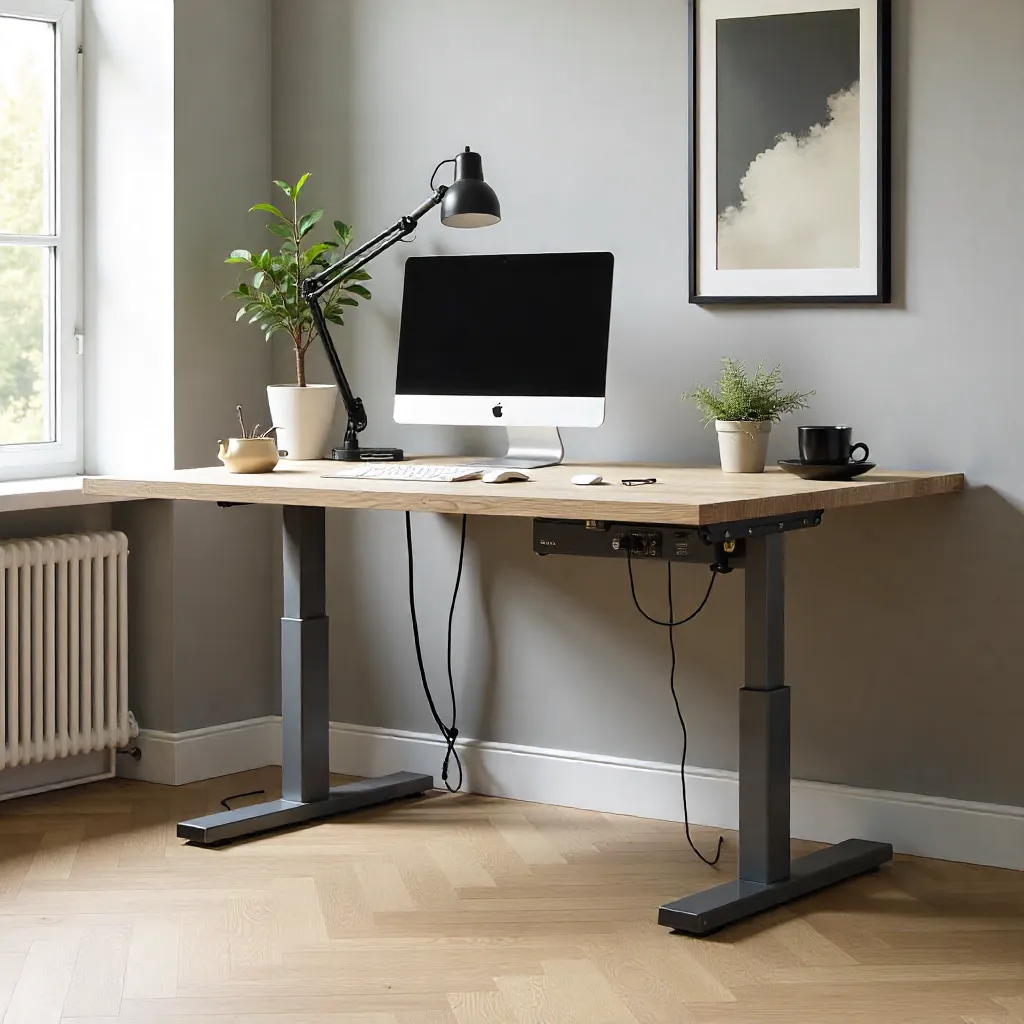
Dutch Recommended Desk Heights
According to Netherlands ergonomic standards (NEN-EN 527), desk heights should be adjustable to accommodate different body sizes. The standard range is between 65-85 cm, with most users finding 72-75 cm optimal for seated work and 110-120 cm for standing positions.
Seated Position
Desk height: 65-75 cm (adjust based on your height). Elbows should rest at 90° angle.
Standing Position
Desk height: 110-120 cm. Screen top should be at or slightly below eye level.
Measurement Guide
Measure from floor to your elbow when sitting/standing naturally.

Wrist Health & Keyboard Angles
Proper wrist positioning prevents repetitive strain injuries. Your keyboard should be positioned so that your wrists remain straight and neutral, not bent up, down, or to the sides. The ideal angle is slightly negative (tilted away from you) to maintain natural wrist alignment.
Neutral Wrist Position
Wrists straight, not bent upward or downward. Forearms parallel to floor.
Keyboard Placement
Keyboard should be at elbow height, with a slight negative tilt (3-5°).
Mouse Position
Mouse should be at same height as keyboard, close to your body.
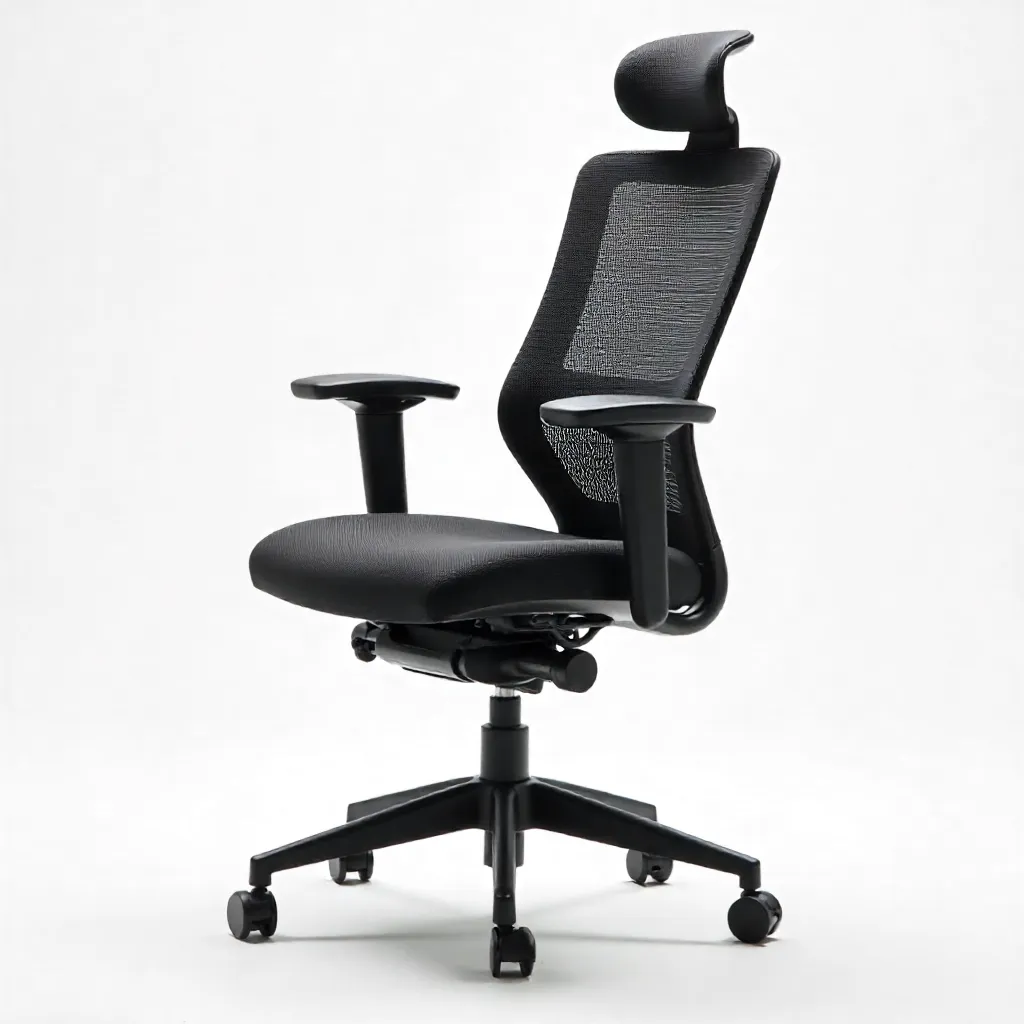
Seating Posture Diagrams

Chair Adjustments
- • Seat height: Feet flat, knees at 90°
- • Backrest: Supports natural lumbar curve
- • Armrests: Elbows at 90°, shoulders relaxed
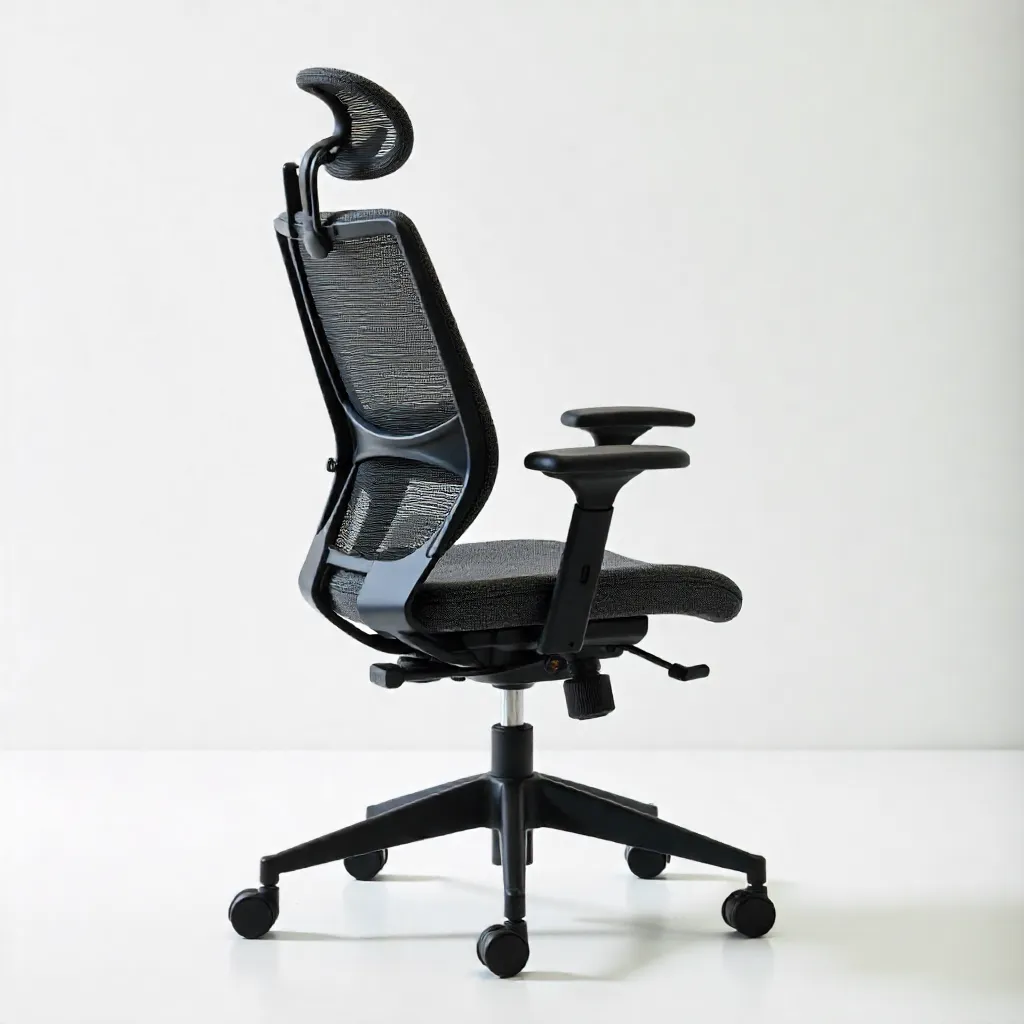
Full Body Alignment
- • Head: Centered over shoulders
- • Spine: Natural S-curve maintained
- • Hips: Slightly higher than knees
Monitor Distance & Eye Level
The optimal distance between your eyes and monitor depends on screen size, but generally ranges from 50-70 cm (arm's length). The top of the screen should be at or slightly below eye level to prevent neck strain from looking up or down.
Viewing Distance
50-70 cm (20-28 inches) from your eyes to the screen center.
Screen Height
Top of screen at eye level or 5-10 cm below when looking straight ahead.
Monitor Angle
Tilt screen slightly backward (10-20°) to reduce glare and eye strain.
Measurement Tools & Blueprint Guidelines
Use these guidelines as blueprints for setting up your workspace. Measure carefully and adjust your furniture to match these ergonomic standards for optimal comfort and health.